
Timelapse Video with a Built-in Stopwatch
Record it. Speed it up. Save it.
With a stopwatch burned into every frame.
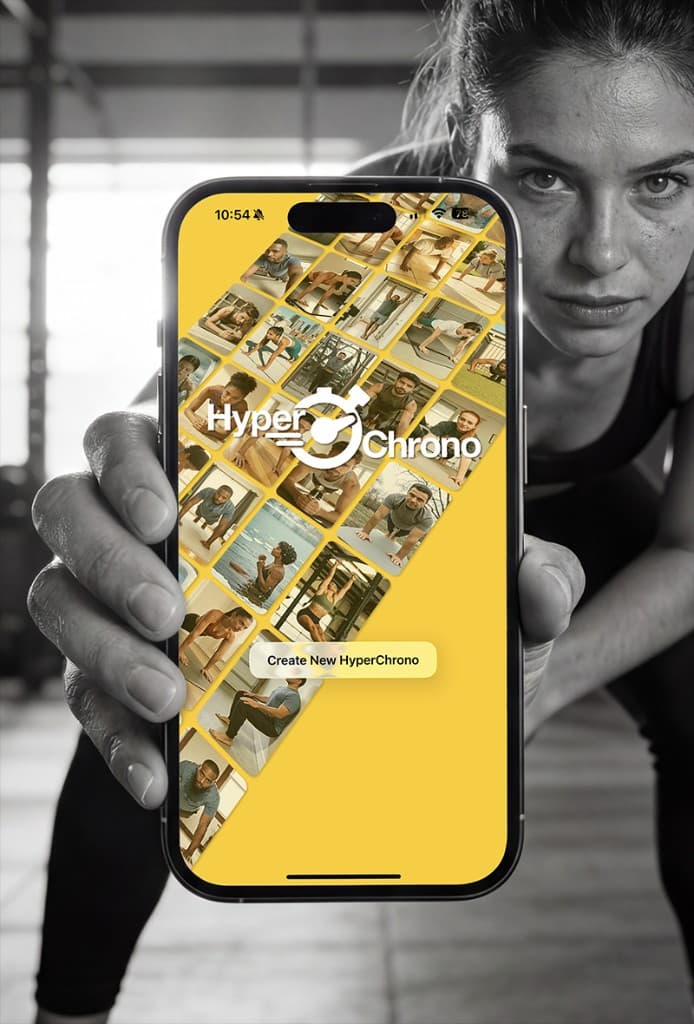
The easiest way to create time-lapse videos that show exactly how long something took.
Download on the
App Store
Free · No Ads · iPhone
How It Works
1
Tap Record
A live stopwatch tracks the real elapsed time directly on your video.
2
Choose Your Duration
Slide to set your final video length anywhere from 5 to 60 seconds.
3
Save & Share
The stopwatch is permanently baked into every frame of the exported video.
What You Get
—
Live Stopwatch Overlay
See the real elapsed time while recording and in the final exported video.
—
No Audio Interruption
Your music or podcast keeps playing while you record.
—
Pinch & Drag Controls
Reposition and resize the stopwatch anywhere on screen before exporting.
—
Live Preview
Preview your time-lapse at the selected speed before you export.
—
Pro Video Quality
Export in 720p, 1080p, or 4K.
Perfect For
WorkoutsPlanksCold PlungesCookingBakingArt ProjectsBreath HoldsRoom TransformationsSunrises & SunsetsCleaning ChallengesEndurance Holds
Ready to show the world how long it really takes?
Download HyperChrono and start recording.
Download on the
App Store
Free · No Ads · iPhone